Photos
The photo that goes with the story.
Up to four photos per story, from the photo library or the camera. They appear beside the story in the book.
Tell Me Your Story is free to download. Start preserving your stories today. Download Tell Me Your Story for Free
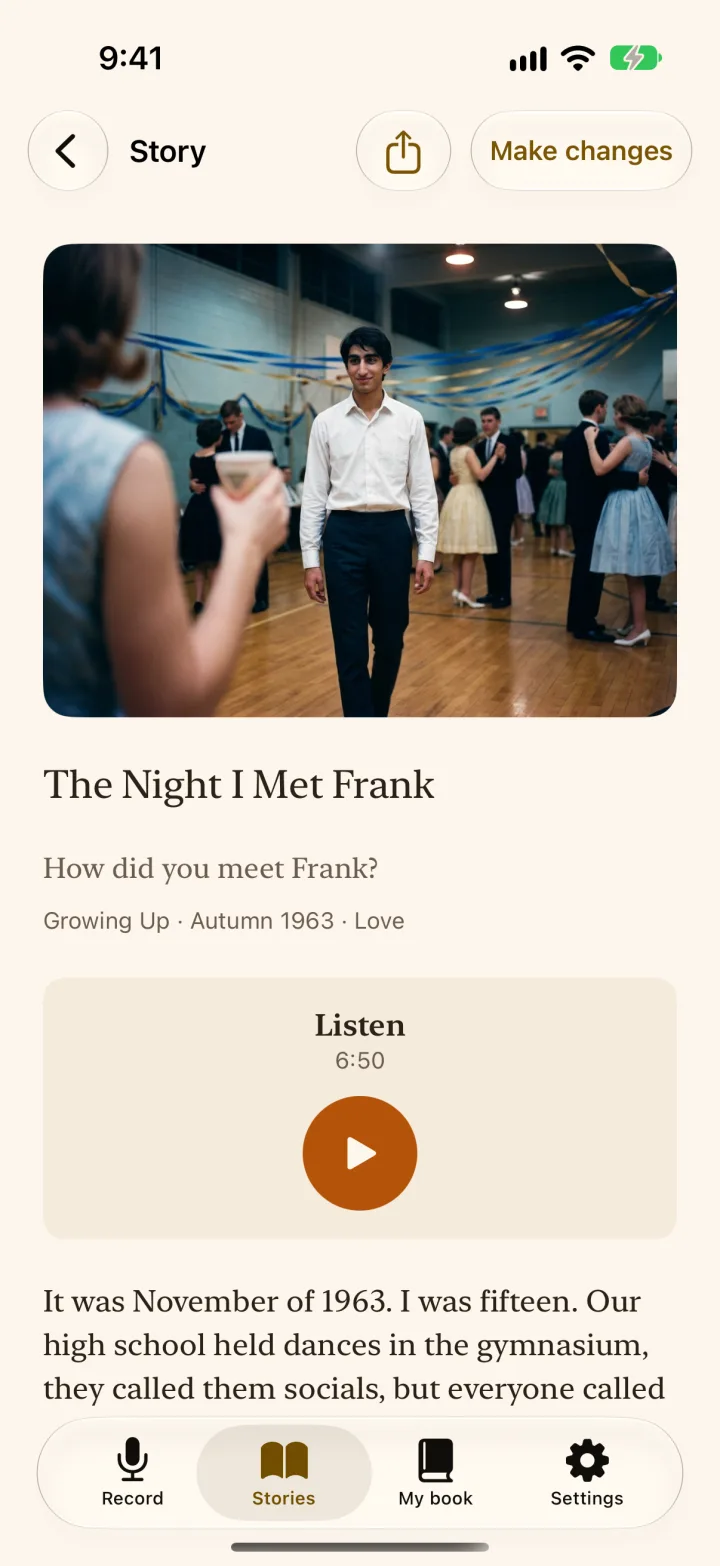
Each story holds up to four photos. They can come from the photo library, or from the camera for an old print in an album.
Photos sit beside their story in the app and in the book. One of them can become the cover of the book. The app removes the location data from each photo when it is added.
Photos can be put in a different order or removed from the story at any time.
How it works
- Open a storyTap "Make changes" and then "Add a photo".
- Choose up to fourFrom the library, or take a picture of an old print.
- See them in the bookBeside the story they belong to.
Who it's for
Anyone with a shoebox of prints or an album that needs its stories told.
What it costs
Free. Adding photos is free.
Questions
How do I add an old paper photo?
Take a picture of it with the iPhone camera, in good light and without glare, and add it to the story.
Are photos in color in the printed book?
Standard suits black-and-white photos. Premium shows them in color.
More of the app
- PreviousLife chaptersThe questions cover a whole life, from childhood to what they have learned. Every story finds its place in a chapter.
- NextThe PDFBuy the PDF in the app through the App Store. Read it on any device and send it to family.
- Voice recordingOne question on the screen and one big button. They talk for as long as they like, and the app keeps the recording.
- Transcription on the iPhoneWhen they finish talking, their iPhone writes down the words. The recording stays with the story, so their voice is never replaced by the text.

Start with one question.
Give them the first question this Christmas. The book follows when their stories are told.
Tell Me Your Story is free to download. Start preserving your stories today.